
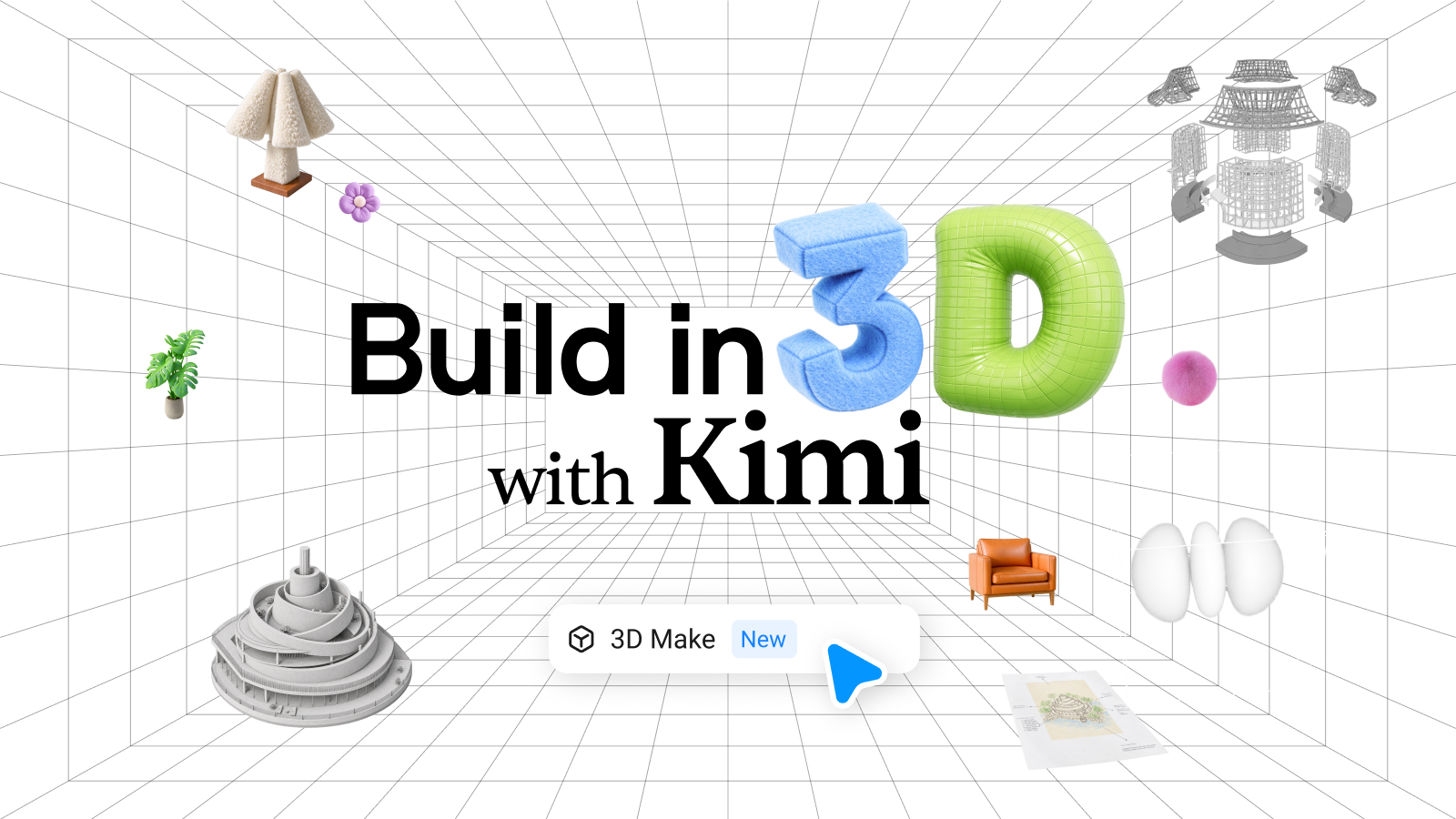
Moonshot AI's official Kimi account announced 3D Make at 03:14 UTC on Oct 30, saying Kimi connects to tools such as Blender and CAD software to create models, assemble scenes and develop games, available now on kimi.ai and Kimi Work. The companion 3D guide says K3.1 Pro was specifically trained to drive 3D software through Python scripts, so specialized tools without MCP support can join the workflow, while meshes such as people and animals are handed to diffusion services like Tripo. Plugins that need locally installed software work only in Kimi Work.
Key Takeaways
- ✓Availability: 3D Make is live on kimi.ai and Kimi Work; plugins that need locally installed software are Kimi Work only
- ✓Two modeling routes: parametric models (furniture, mechanical parts, buildings) via Python scripts written by K3.1 Pro, and meshes via services such as Tripo, Meshy and Hyper3D
- ✓Engines: Kimi says it is adapted to Unreal Engine, Unity and Godot to import models, assemble scenes and build gameplay step by step
- ✓Showcase: the celestial palace in the K3.1 Pro launch video was built in Unreal Engine 5.8 from source models totaling 36 million triangles, rendered with Nanite and Lumen
- ✓Benchmarks: no 3D benchmarks were published; the guide admits some tasks need several rounds, and rigging and complex materials remain weak spots
Key Decision Metrics at a Glance
Turn your technical choice into a development budget
Compare 40 dev plans & simulate token costs vs $20/mo subscriptions
Project Links & Resources
Direct AccessIn-Depth Technical Analysis
Background and pain point
3D modeling and game development have a steep learning curve, with tools like Blender, Rhino and Unreal Engine, and language models have mostly stopped at small Three.js web demos. Moonshot AI showed 3D websites, mechanical parts, buildings and game demos in its K3.1 Pro launch video, and on Oct 30 the official Kimi account launched 3D Make, packaging those abilities as ready-to-use skills, plugins and workflows on kimi.ai and Kimi Work.
How it works
The official guide splits 3D work into two routes. Parametric modeling covers objects described by dimensions, structure and rules, and K3.1 Pro handles it by writing Python scripts that drive Blender, CAD and similar software; Moonshot says it trained the model specifically to use 3D tools through scripts, so specialized software without MCP support can join in. Meshes such as people, animals and statues go to diffusion services like Tripo, with Kimi preparing the prompt and reference images. Assets can then be brought into Unreal Engine, Unity or Godot to assemble scenes and write gameplay; plugins that need local software work only in Kimi Work.
Benchmarks and results
Moonshot has not published any 3D benchmark or success rate. The only reference is its own showcase: the celestial palace in the launch video was built in Unreal Engine 5.8 from source models totaling 36 million triangles, using Nanite for detail and Lumen for global illumination (vendor figures). The guide also admits some tasks take several rounds, and rigging, complex materials and physics simulation still need work.
Getting started
For a quick 3D web page or a single model, open 3D Make on kimi.ai; to drive local Blender, Unreal or Unity, use Kimi Work or Kimi Code. Moonshot recommends giving reference images and dimensions, blocking out the layout with simple shapes before refining materials and lighting, setting thinking effort to High or Max for detailed modeling, and saving a working flow as a reusable skill.
Benchmark side-by-side against alternatives, or calculate monthly token cost vs subscription break-even.
Discussion & Comments
0Sign in to join the discussion
Connect with AI developers to exchange benchmark insights.